

Standardize, capture, and report on your data and records across Accords.
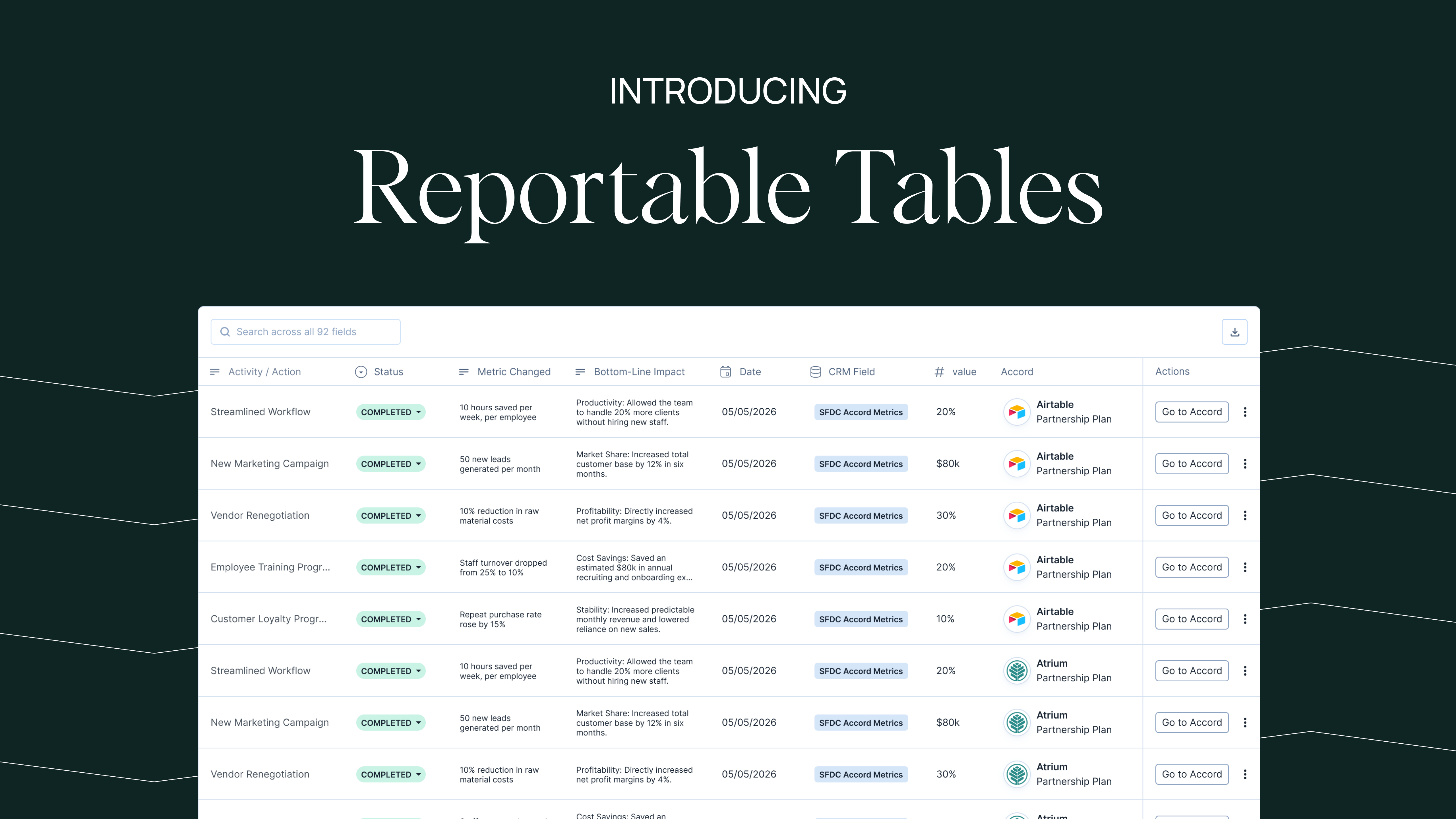
TL;DR: Reportable Tables are available today. The trackers your team keeps in spreadsheets now live inside Accord, standardized across every account and reportable in one place.
Ask an implementation leader for the top risks across every live implementation in their book of business.While you hope the answer should only take a minute, the likely reality is a fire drill. They are scanning Slack threads, chasing links to spreadsheets, and digging through old emails. Even once they assemble all the information, reporting on it becomes an entirely separate job.
Ask a Customer Success leader at renewal what outcomes their team has driven over the life of the contract. While the information exists, collecting it, organizing it, and packaging it pulls time away from the one thing that signs the renewal: the narrative.
Different teams, same root cause. The structured records that drive the customer lifecycle are scattered across spreadsheets, invisible to the customer and to leadership, and impossible to report on across accounts.
Revenue teams already track the metrics, objectives, and action items that matter. What they lack is a consistent, standardized way of doing so that makes getting the answers they need as simple as running a single report.
That’s why we’re excited to introduce Reportable Tables to Accord.
Reportable Tables give revenue teams one standardized way to track and report on any data, metric, or record they need to capture.
Similar to a Notion database, you build a template by defining which columns to include and the data type for each. Once the template exists, add a Reportable Table to any Accord or Playbook the same way you add any other section to the summary tab.
You can see Reportable Tables in action here:
Each template gets its own report, showing every row across every Accord using that template. In place of external spreadsheets, custom CRM objects, and workarounds bolted onto the summary tab, your team now can track anything inside Accord, where the work already happens.
The result?
Implementation leads run the customer meeting from one live tracker instead of a stale file. Managers stop guessing what is hiding in a spreadsheet they have never seen.
Build the template once, keep every team consistent, and roll up every row in a single report.
While building Reportable Tables we looked across our own deals and asked customers where the feature would replace work they were already doing. Here are a few ideas to get you started.
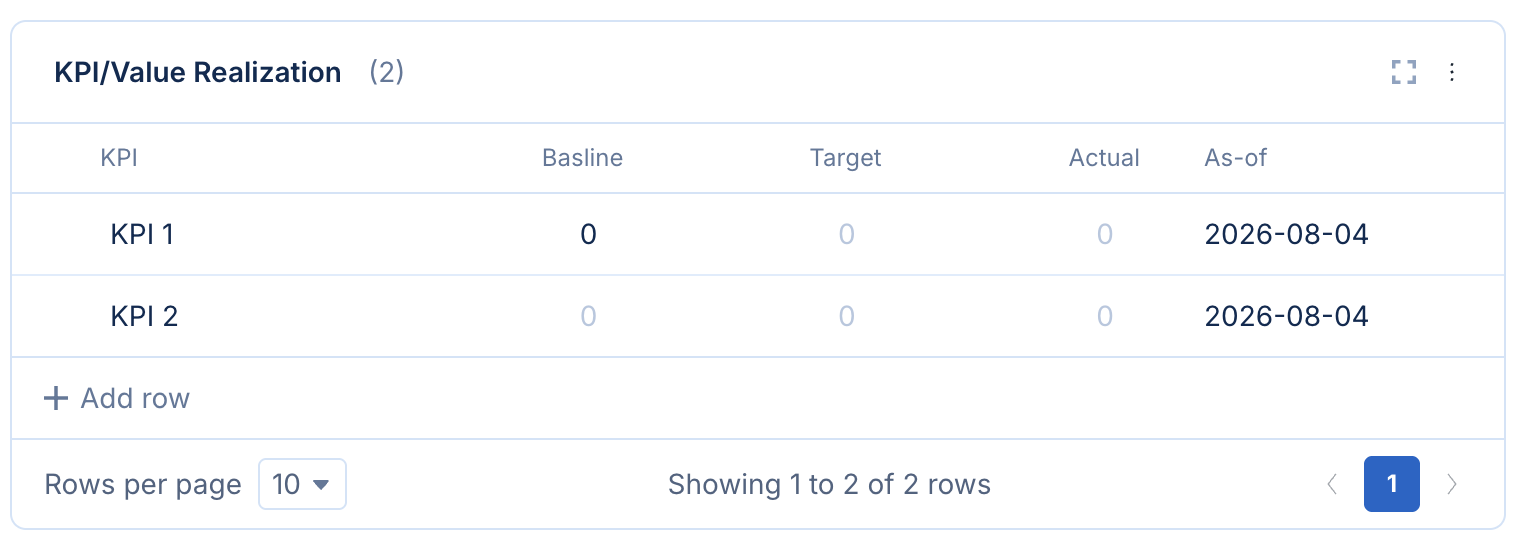
For customer success teams or implementation teams, capture what the deal was sold on: the outcome. Track the baseline, the target, and where things stand today. Attach the table to your primary Playbook then report across your book to see where you are driving value.
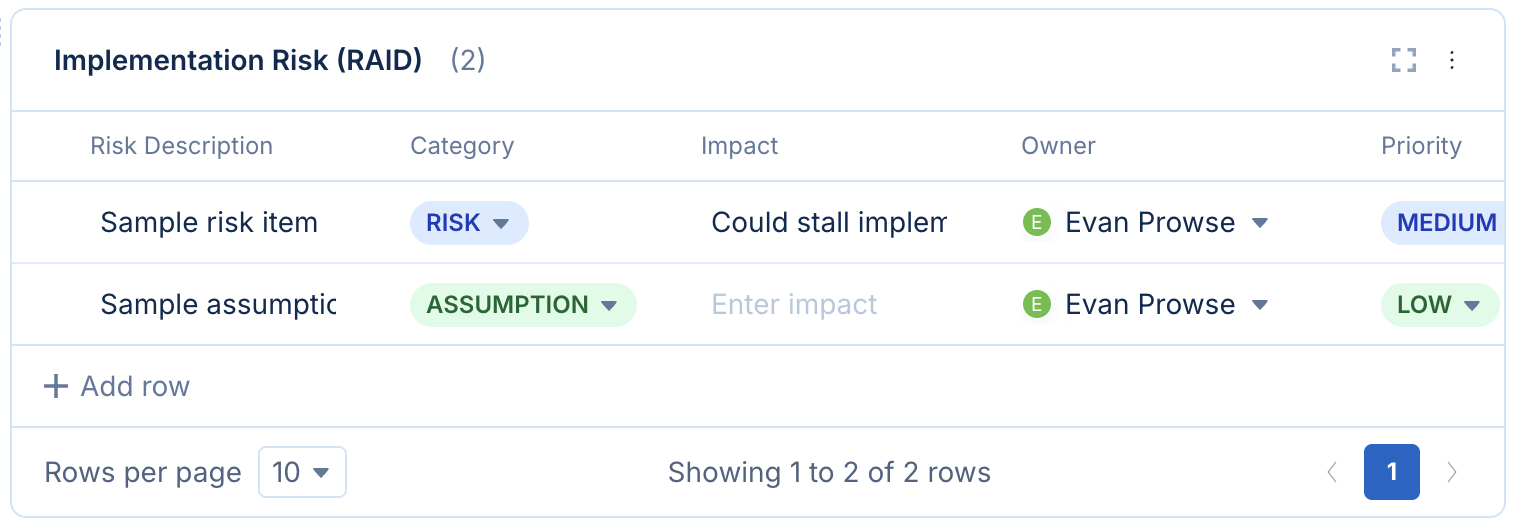
For tracking risk, build a RAID (Risks, Assumptions, Issues, Dependencies) log with an owner, an impact rating, a status, and a review date. Now one report answers what is at risk across every live implementation.
Reportable Tables are also useful well before the deal closes. Any Playbook gets stronger when the information inside it is captured the same way every time.
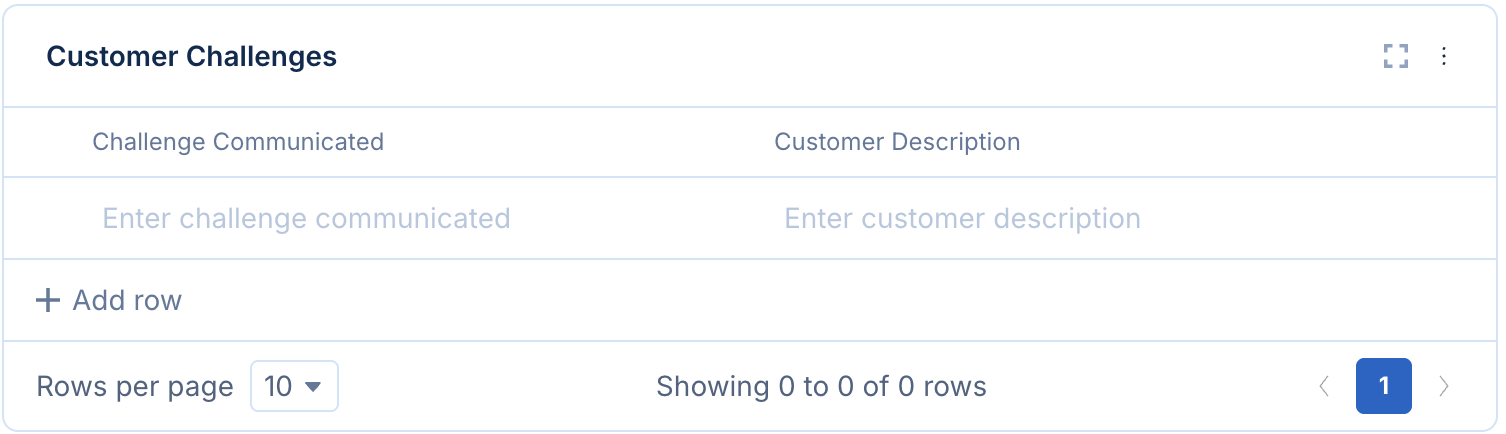
Our own enterprise Playbook uses tables for customer challenges and account intel gathered during discovery. Standardizing those sections means every rep captures the same fields on every deal. The report then shows which challenges come up most often across the pipeline, which is worth knowing long before it turns up in a win-loss review.
Effective value-selling depends on knowing whether the outcomes you promised actually landed. That's a hard question to answer when the evidence lives in a dozen spreadsheets with a dozen different column headers, fields and data-types.
Reportable Tables are available today for all Accord users. Start by building your first template today!
Want to see Accord in action? Book a demo and we'll show you how Accord becomes the execution layer for your value-selling motion.


%20(1).png)
.png)
.png)